
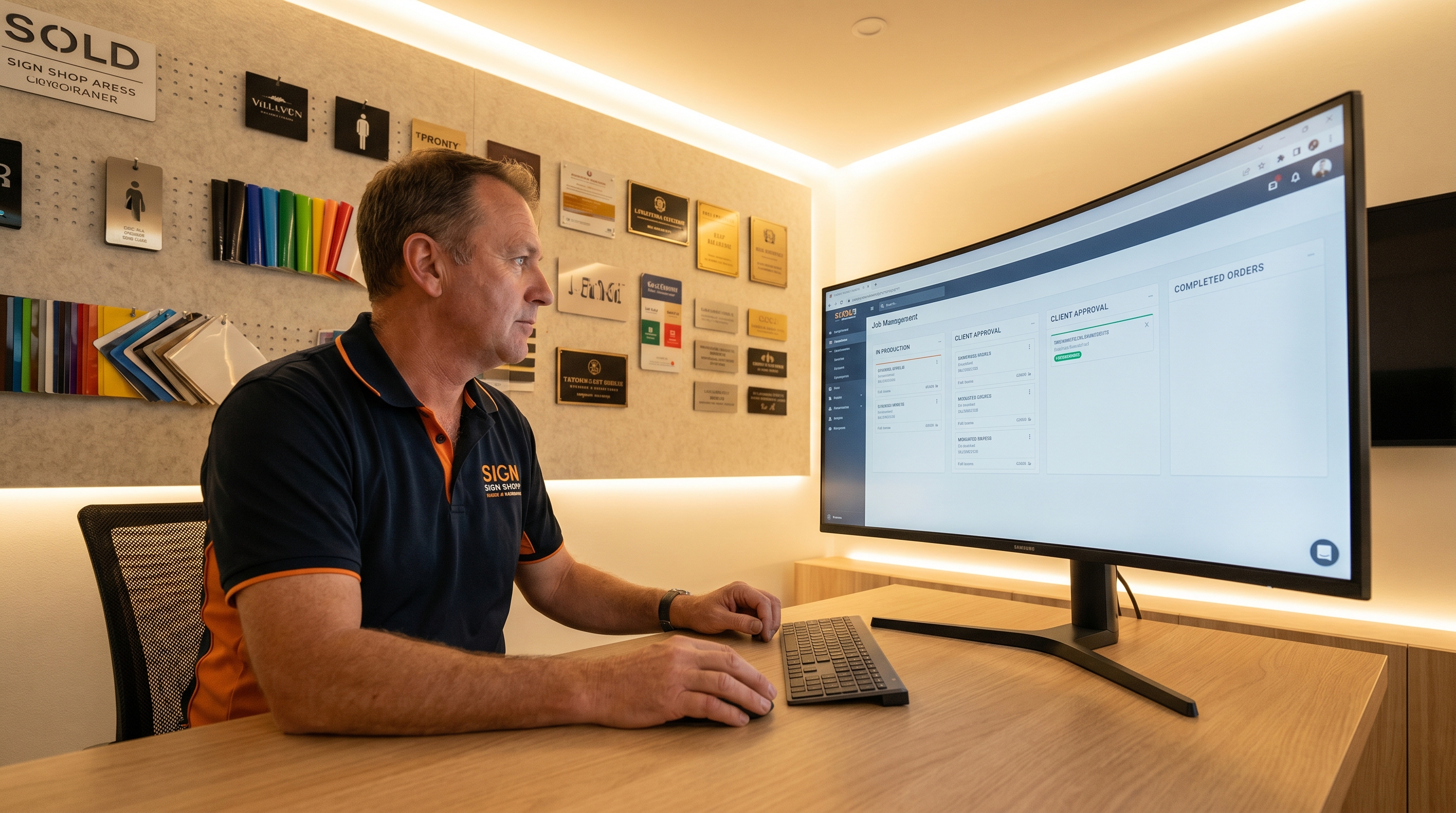
Running a sign shop on spreadsheets and QuickBooks works — right up until it doesn't. The moment more than one person is managing jobs, clients start asking for status updates you can't find fast, and your estimate-to-invoice process means re-entering the same data three times, you've outgrown the DIY approach.
Sign shop management software has existed since the late 1990s. What changed dramatically in the last three years is what the modern platforms can do — AI assistance, built-in CRM, real-time team communication, and client portals that make your shop look as professional as the Amazon-grade digital experiences your clients use everywhere else. This guide maps the whole landscape, shows what to look for, and is honest about where each tier fits.
The Three Tiers of Sign Shop Software
Almost everything on the market falls into one of three categories. Knowing which tier a tool belongs to tells you most of what you need to know about it.
| Tier | Examples | Strength | The tradeoff |
|---|---|---|---|
| Legacy sign-specific MIS | ShopVox, Cyrious Control, Corebridge, SignTracker | Deep understanding of sign workflow — substrate estimating, production stages, proofing, install scheduling | Mostly architected 2005–2015: dated UI, weaker mobile, bolted-on CRM, little or no AI |
| Print-oriented platforms | Printavo, DecoNetwork, PrintSmith/EFI | Excellent for screen print, embroidery, commercial print | Not built around sign fabrication, wraps, or installation — mixed shops run workarounds |
| General business tools | QuickBooks, Jobber, HoneyBook, spreadsheets | Invoicing and cash management | No production workflow, no proofing, no job costing — most shops feel the friction by year two |
There's a fourth category emerging: platforms built from scratch for the modern mixed shop, with AI woven in from the foundation rather than bolted on. SIGNEXA sits here — purpose-built for shops doing signs, print, and decoration together.
What the Best Sign Shop Software Actually Does
Every platform handles the core loop: quote a job, get approval, move it through production, invoice, collect payment. The differentiators are how well it does each step — and what it does around the core. When you evaluate options, score them on these:
- Estimating. Can you build a quote from your actual material costs, labor rates, and markup — not just a number you type? The best systems use product templates that generate accurate quotes in minutes.
- Production management. Is there a real-time view of every active job and its stage? Can floor staff update status without going through you? Does the board surface what's behind schedule before it's a problem?
- Proof approval. Does the client get a real portal to review and approve proofs — with annotation tools, timestamped approvals, and a record attached to the job? Or are you still emailing PDFs and asking for a signature scan?
- Invoicing and payments. Does approval trigger an invoice automatically? Can the client pay online without a separate payment link?
- Client management. Is each client a full record — every quote, job, email, and payment — or just a line item on invoices?
The core workflow is table stakes. What separates a great platform from a legacy one is everything that happens around the job — the CRM, the chat, the portal, and increasingly, the AI.
The AI Factor: Why It Matters Now
No platform from the legacy generation was built with AI in mind. Adding AI as a feature layer to a 15-year-old codebase produces something that feels bolted on — because it is. The question isn't whether a tool "has AI"; it's whether the AI actually knows your platform and your trade.
SIGNEXA's assistant, Olli, is built in from the foundation and trained on two things: the platform itself (real screens, real steps) and the sign industry (pricing, substrates, production methods, business operations). It surfaces a daily production-health summary, answers team questions about both the software and the trade, and flags overdue jobs and stalled estimates without being asked. For the full breakdown, see how AI is changing sign shop management.
SIGNEXA vs the Established Players
The most common comparison we get is against ShopVox — fair, since it's the most widely adopted sign-specific web platform in North America. We tackle it head-on, including where ShopVox's maturity is a genuine advantage: SIGNEXA vs ShopVox, feature by feature.
For shops still on the DIY stack, the more relevant comparison is against spreadsheets and QuickBooks — see why sign shops outgrow QuickBooks (and what to use instead).
The Client Portal Test
One of the fastest ways to judge any platform is to look at its client portal — the part your customers actually see. A dated portal makes your shop look dated to clients who expect Amazon-level UX. Proof annotation, timestamped approvals, job-status visibility, and built-in payment are the marks of a modern one. See what good looks like: why your sign shop needs a client portal.
What It Costs
Most dedicated platforms land between $65 and $300/month, and many add per-user fees that quietly inflate the bill as your team grows. SIGNEXA's plans are flat per workspace — no per-seat charge:
| Plan | Price | Best for | Includes |
|---|---|---|---|
| Lite | $69/mo | Solo / very small shop under ~$150k/yr | Estimates, job tickets, invoices, client management, Olli |
| Core | $169/mo | Most 2–10 person shops | Everything in Lite + production board & recipe engine, Smart CRM, analytics, automations, newsletters |
| Pro | $299/mo | $1M+ revenue / multi-location | Everything in Core + advanced reporting, expanded AI, priority support, full integration suite |
When you compare on price, count the full picture: per-seat fees, setup costs, and the cost of switching later all matter more than the headline number. A platform your team actually uses — because it works on any device and a new hire can ask the AI instead of interrupting you — has soft-cost advantages a spreadsheet of monthly fees won't show.
How to Choose
Three questions settle most decisions. First, what's your work mix? Pure screen print leans print-oriented; pure complex sign estimating may favor a mature legacy MIS; mixed work favors a modern multi-vertical platform. Second, how many people touch jobs? The more team members, the more per-user pricing and mobile access matter. Third, how dated can your client experience be? If you're competing on professionalism, the portal matters.
Whatever you choose, run a real job through it before committing — a single live estimate teaches you more than any demo. Start a free SIGNEXA trial and quote an actual job, or see the full feature breakdown by plan.