Operations
Installation Dispatch & Route Optimization
Coordinate readiness, crews, vehicles, service windows, and automatically optimized multi-stop routes from one installation command center for sign and display shops.
Coordinate readiness, crews, vehicles, service windows, and automatically optimized multi-stop routes from one installation command center for sign and display shops.
Sign shops that do installation juggle appointment windows, travel, crew availability, permit status, vehicle logistics, weather, and client site access. Meet SIGNEXA brings that job context into one dispatch board and includes automatic route optimization for a crew's selected stops. Dispatchers can lock immovable appointments, preview the ordered day, resolve blocking address or duration warnings, and apply the schedule only after it has been reviewed.
Each install job is automatically checked against live weather forecasts for the install site. Flag weather-sensitive jobs before a crew drives out.
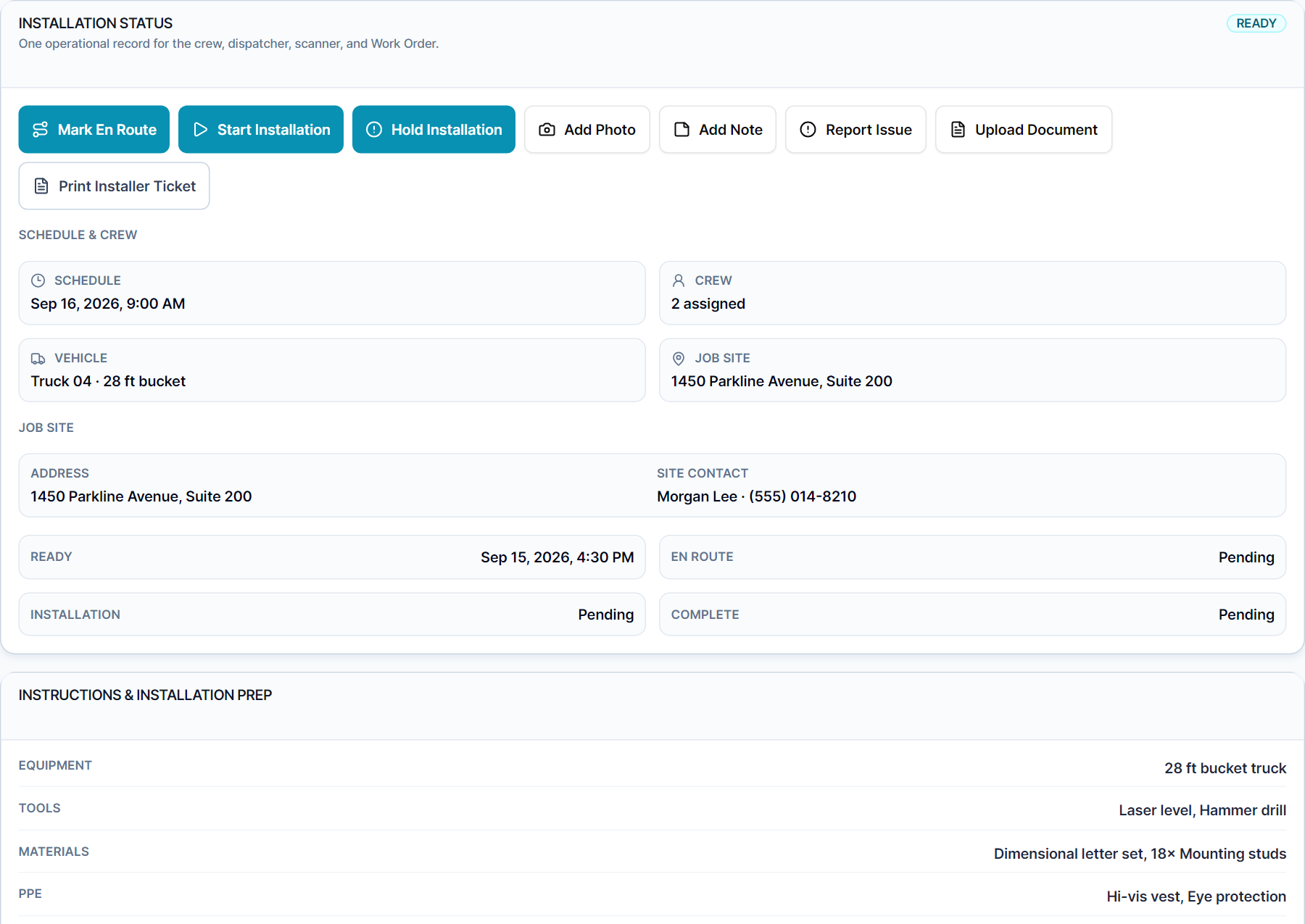
Assign installer teams and vehicles to each job. See every installer's schedule at a glance and catch conflicts before dispatch.
Choose a crew and its stops, preserve locked appointments, and generate an ordered route preview with travel, service, and wait-time estimates.
The installation queue shows every install job bucketed by status: Ready, Needs Info, Today, Upcoming, and Blocked. Click any job to see the full dispatch panel - client, site address, scheduled start, assigned crew, vehicle, estimated install duration, travel block time, weather status, and any missing info warnings. Each warning is categorized: missing address, missing duration, missing installer, missing vehicle, or permit pending - so you can fix issues before they cost a trip.
Switch to the 30-day calendar to see scheduled installs and recorded job context. The Installers view gives a per-crew view of assigned jobs and schedule density. Readiness filters let you isolate jobs by stage: artwork pending, proof pending, in production, or ready for install.
Select the installations assigned to a crew, set the workday start and service windows, and lock any stop whose position cannot move. SIGNEXA generates an ordered multi-stop preview with arrival, service, wait, outbound travel, and return-to-shop estimates. Missing coordinates, low-confidence addresses, missing service duration, conflicting locked positions, or missed service windows appear as blocking warnings. Nothing changes until an authorized dispatcher applies the reviewed preview, and the prior schedule can be restored from route history when it has not been changed elsewhere. The built-in deterministic estimate supports planning consistency; it is not a live-traffic prediction or turn-by-turn navigation service.
Everything you need to know about Installation Dispatch & Route Optimization.
Explore the connected workflow, compare plans, and decide whether Meet SIGNEXA fits your shop. No credit card required.
Follow the connected workflow into the parts of Meet Signexa that support this capability.
