Meet SIGNEXA
Finance

Meet SIGNEXA Pay (MS Pay)

Never leave the platform. Process credit cards, offer Buy Now Pay Later, and manage payouts — all built directly into your Meet SIGNEXA workspace.

Meet SIGNEXA Pay (MS Pay) — Meet SIGNEXA platform interface

Built-in Payments Tailored for the Shop Floor

Stop juggling third-party payment gateways and manual reconciliation. MS Pay is natively baked into the Meet SIGNEXA ecosystem, allowing you to instantly charge clients from quotes and invoices while automatically syncing straight to your General Ledger.

Zero Setup Friction

Onboard instantly from your dashboard. No complex API keys or separate merchant accounts required.

Buy Now, Pay Later

Offer Klarna and Affirm natively. Get paid upfront while your clients pay over time.

Automated Ledger Sync

The second an invoice is paid, MS Pay writes the exact accounting entry to your General Ledger.

Never Leave The Platform

With MS Pay, your financial operations live right next to your CRM and Production tracking. Accept payments directly on digital quotes, send instant payment links via the Help Desk, and view your payout schedule — all without ever opening another browser tab.

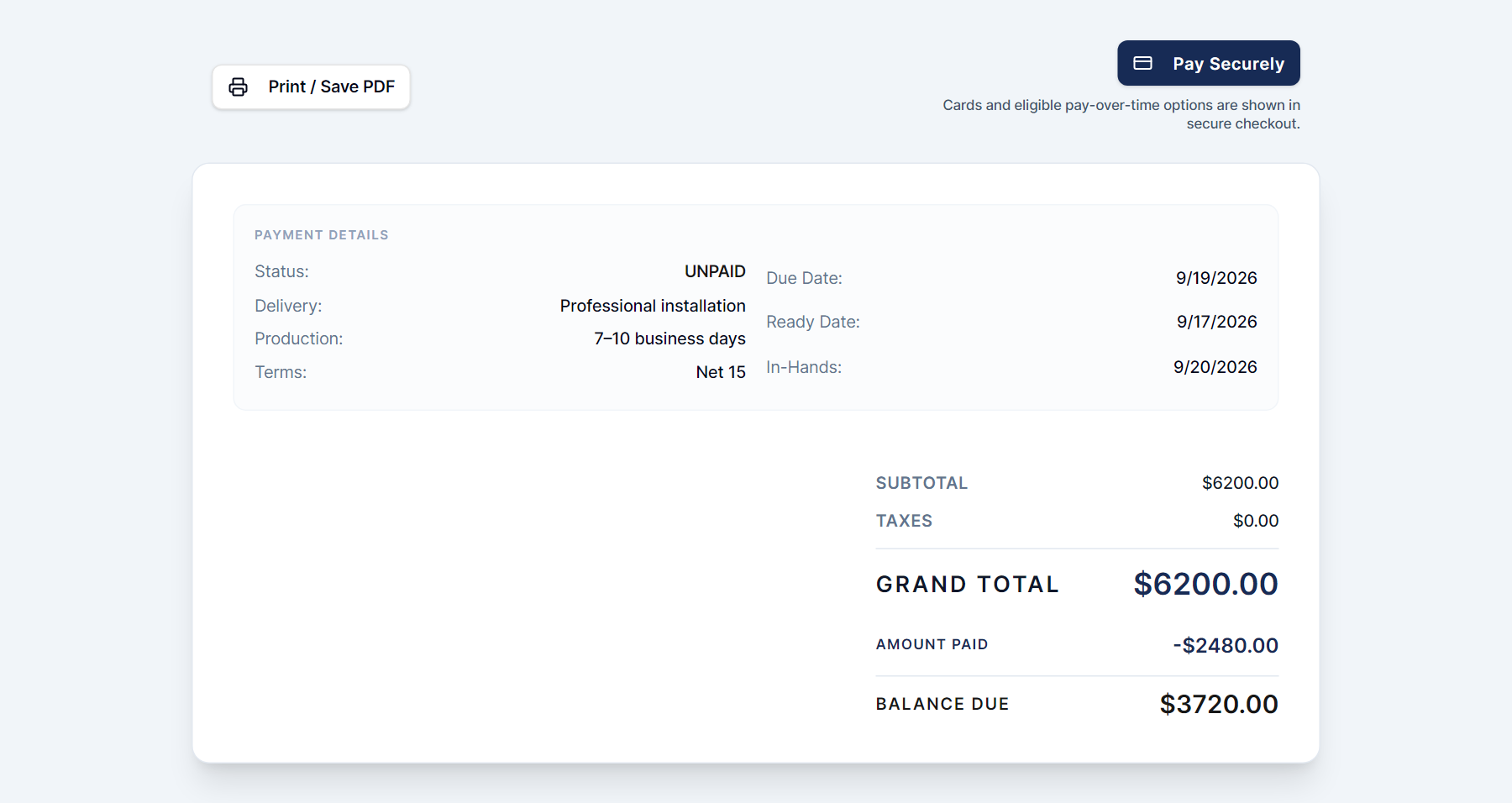
MS Pay Client Checkout Experience

Transparent & Competitive Rates

We leverage enterprise processing volume to offer highly competitive interchange and flat-rate pricing models. Focus on printing signs — not decoding confusing merchant statements and hidden monthly gateway fees.

MS Pay Dashboard with Transparent Fees

Frequently Asked Questions

Everything you need to know about Meet SIGNEXA Pay (MS Pay).

How quickly do payouts arrive after a client pays?
Standard payouts arrive in your linked business bank account within 2 business days of the payment being processed. Instant payouts (for eligible accounts) settle within minutes for an additional small fee.
Do my clients need to create an account to pay?
No. Clients receive a secure payment link that opens a Stripe-hosted checkout page. They can pay with any major credit card, Apple Pay, or Google Pay without creating an account or logging in.
What payment methods does MS Pay accept?
MS Pay accepts Visa, Mastercard, American Express, Discover, Apple Pay, Google Pay, ACH bank transfer, and Buy Now Pay Later options via Klarna and Affirm for qualifying order sizes. Your clients pay however they prefer, and you get paid in full immediately.
Are there monthly fees or just transaction fees?
MS Pay uses straightforward interchange-based or flat-rate pricing with no monthly gateway fees or hidden minimums. You pay a small percentage per transaction. Full pricing details are available in your account settings.
How does MS Pay sync with the accounting module?
Every payment processed through MS Pay automatically posts to your General Ledger in the Accounting Suite — the correct income account, the payment method, and the net amount after fees. Bank reconciliation shows MS Pay deposits matching your actual bank statement. No manual entry, no reconciliation guesswork.
Can I send a payment request directly from a quote or invoice?
Yes. From any quote or invoice in Meet SIGNEXA, click "Send Payment Link" and a branded payment request is emailed to the client. When they pay, the invoice status updates automatically and the ledger entry posts. Your team never has to chase or manually mark invoices as paid.

Ready to Transform Your Workflow?

Join thousands of shops scaling their operations with Meet SIGNEXA. No credit card required.